


Connect and make a test print
Follow the supplied setup guide, select the printer inside its companion app and start with a simple outline on supplied paper.
D5Tattoo / Practice kit
Have an account?
Log in to check out faster.
D5Tattoo / Practice kit
D5Tattoo / C50 printer
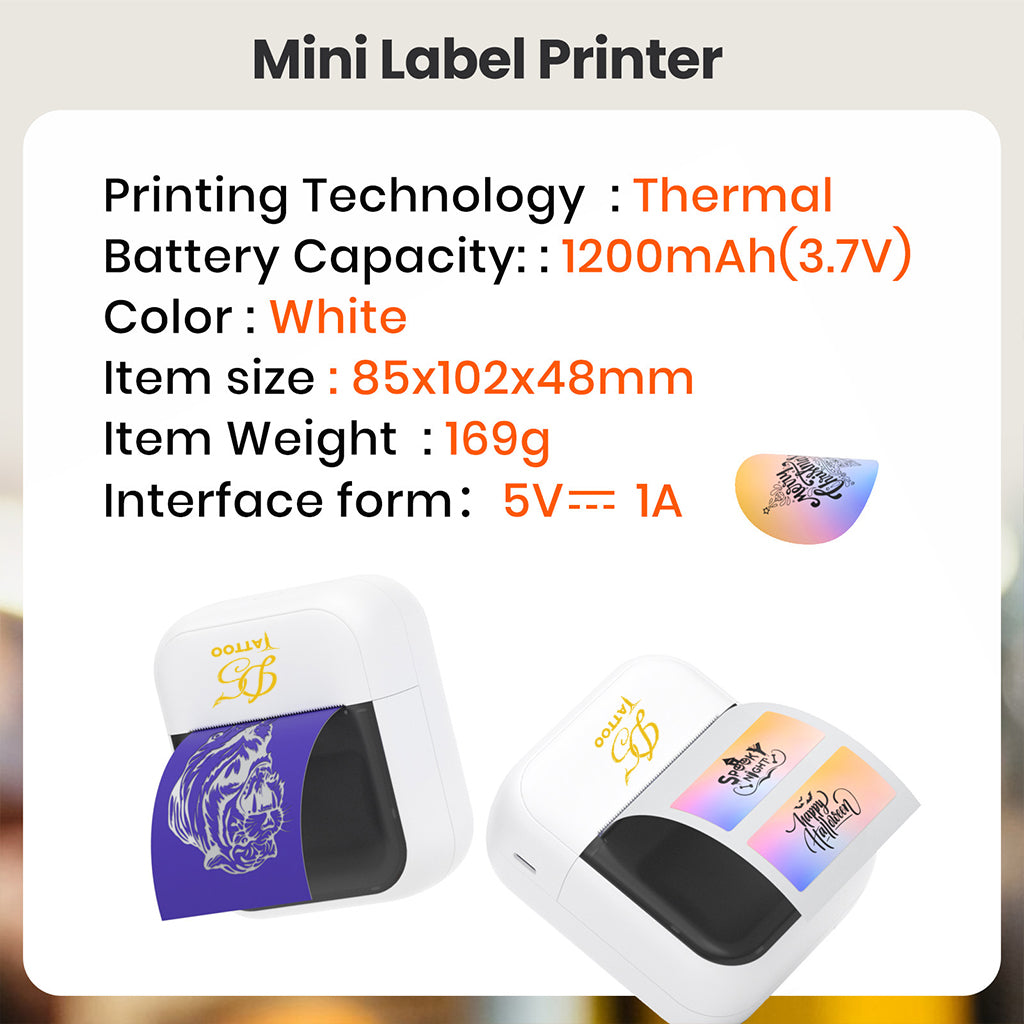
A compact phone-based thermal stencil printer with twenty transfer sheets included. Test the paper output first, then check the transfer on your practice surface.
Follow the supplied setup guide, select the printer inside its companion app and start with a simple outline on supplied paper.
Use a clear source file, crop unnecessary margins and check the intended size and direction before printing a detailed design.
If the paper output is clear but the transfer smears, check surface preparation, medium and drying instead of raising print intensity.
Product-specific answers
One C50 Mini Stencil Printer and twenty tattoo transfer sheets are included. Use the supplied sheets for your first simple test print so you are not troubleshooting a new printer and unfamiliar paper at the same time.
Use the companion app identified in the supplied setup guide and grant the permissions it requires. Select the printer within the app, then send a simple outline. Seeing a printer in the phone's device list alone does not mean the app has selected it as the print destination.
Yes. Prepare a clear image with a clean background, import it into the required app and check the actual print size and direction before sending it. Keep the original file rather than repeatedly compressing a screenshot.
A blurred source, very thin marks or excessive reduction can remove detail before printing. Crop unnecessary margins, improve black-and-white contrast and inspect the design at its intended size. Test a simple outline before changing several printer settings at once.
Check that the paper type, layers and loading direction match the C50 guide. Make sure the sheet is flat and the cover is properly closed, then try a simple image on supplied paper. Raising print intensity cannot fix paper loaded in the wrong orientation.
Check the power or battery level, source image and paper loading first. Compare the original file with the paper output. If detail is already missing on paper, troubleshoot that stage before changing transfer gel or how you press a stencil onto practice skin.
Work on the transfer stage: clean and dry the practice surface, apply a thin, even layer of suitable transfer medium and press without sliding. Allow the transfer to dry fully. A clear paper print is not a reason to keep increasing printer intensity when the smear happens afterward.
Stop the job and switch the printer off. Follow the C50 guide to open the paper path and remove the sheet without forcing it. Check for folds, align a flat replacement sheet and send only one test job instead of repeatedly pressing print.
Match the paper type, feed width and layer arrangement to the C50 guide. Keep a supplied sheet as a reference. A package labeled tattoo transfer paper is not enough to establish compatibility; do not force an unverified full A4 sheet into a compact feed path.
No. It prepares a paper stencil. You still need a suitable transfer medium and a separate transfer step on the practice surface. Test the print and transfer separately so you can identify which stage needs adjustment.
Still need help? Contact product support at d5@d5tattoo.com
Complete the session


